
Gymverse for iPhone Duo
Your Workout Unfolded
Gymverse now uses every inch of iPhone Duo. See your plan and today’s workout side by side, browse every program full screen, and follow video guides on the big display.

Let Your Phone Do the Talking
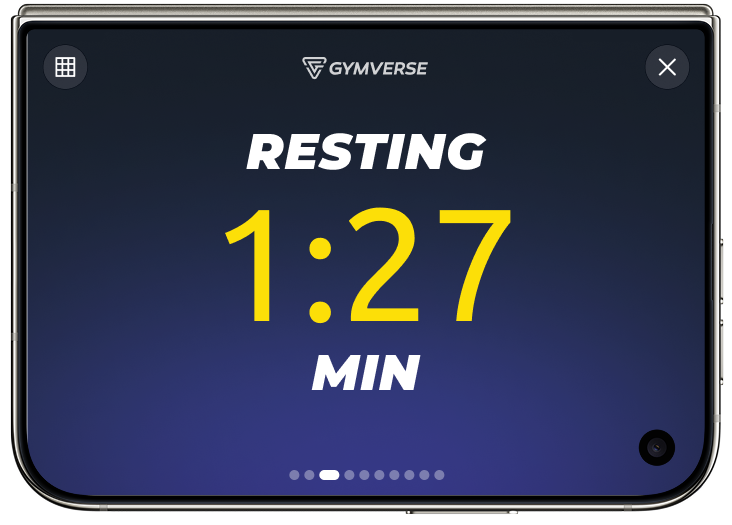
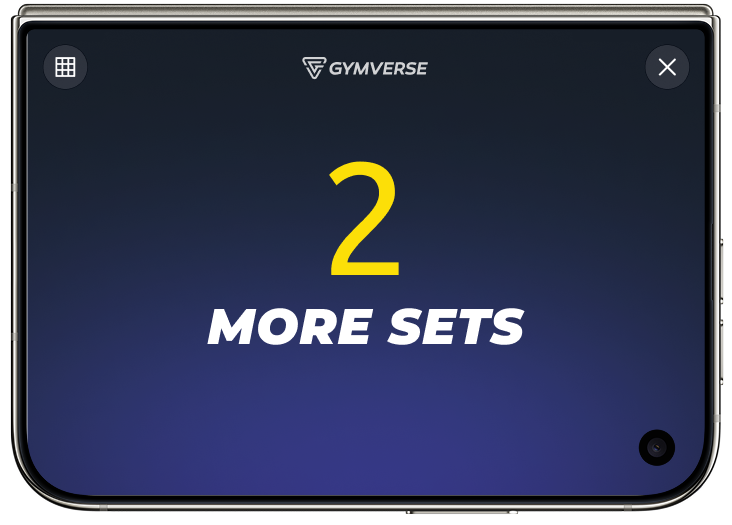
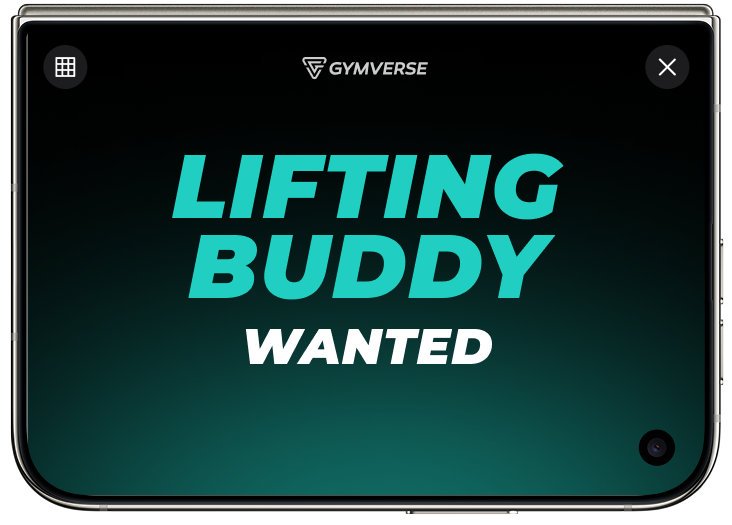
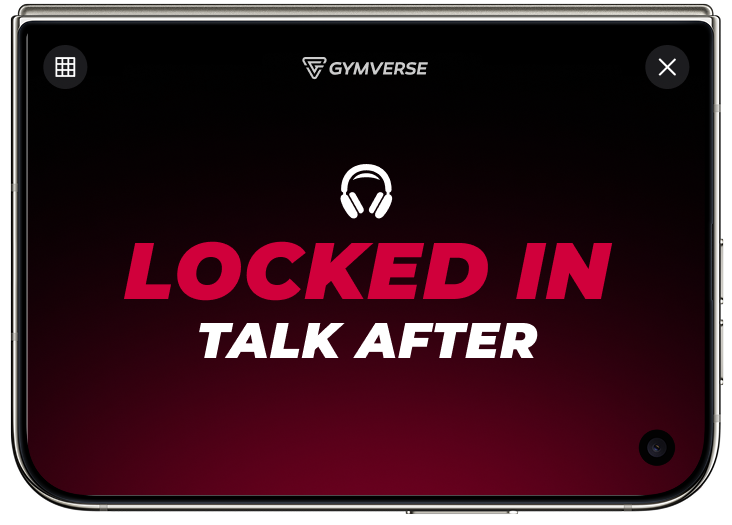
Stand iPhone Duo next to you and Gym Sign turns the outer display into a status screen the whole gym can read. It answers the questions nobody wants to interrupt your set for: how long you’ll be, whether you’re happy to share, and whether you’re up for a chat.
02 Side by side
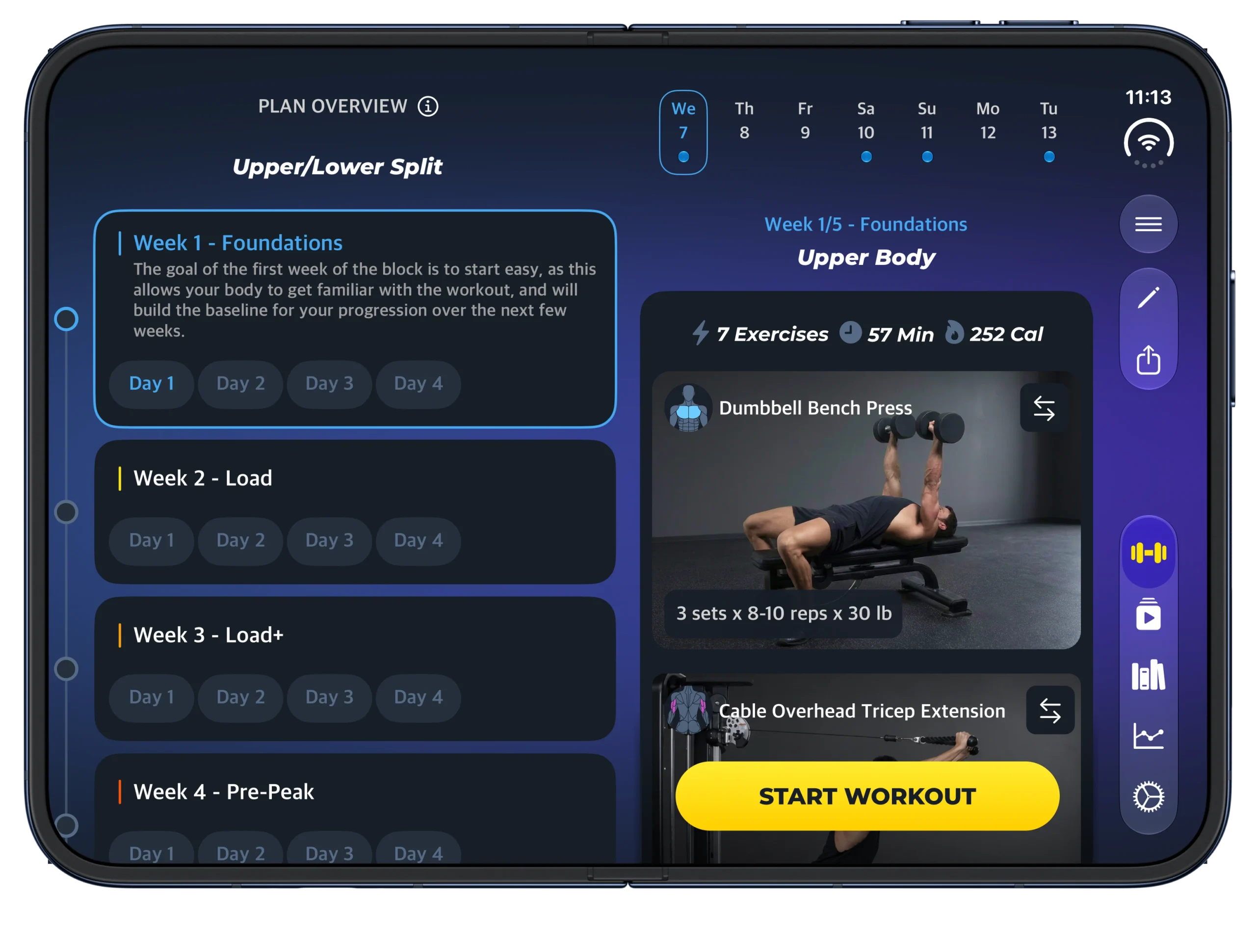
Your Plan and Today’s Workout Side by Side
Open iPhone Duo and your training block sits right next to today’s session. See which week you’re in, what’s coming next, and the exercise you’re on now, without switching screens. Tap Start Workout when you’re ready.
03 Plan library
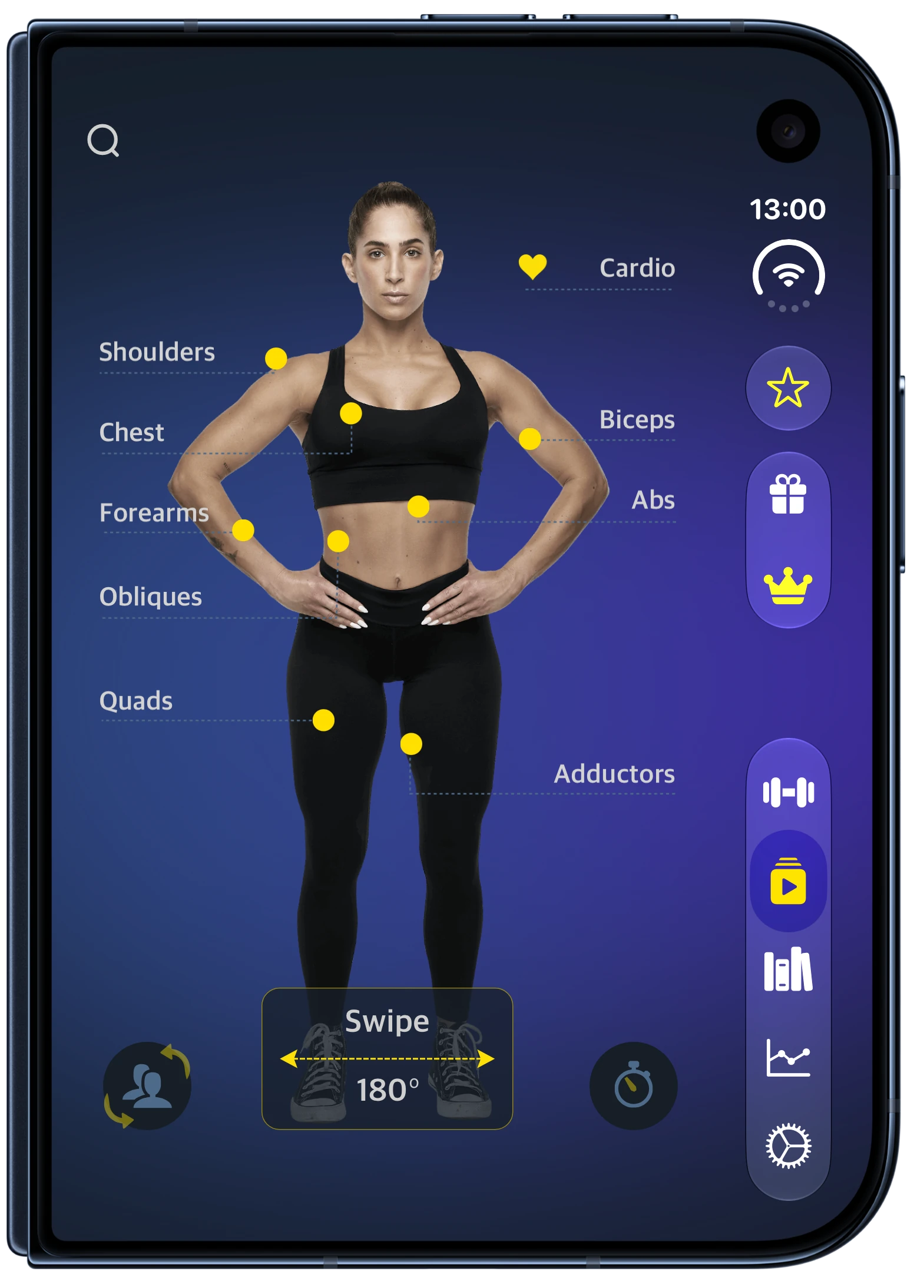
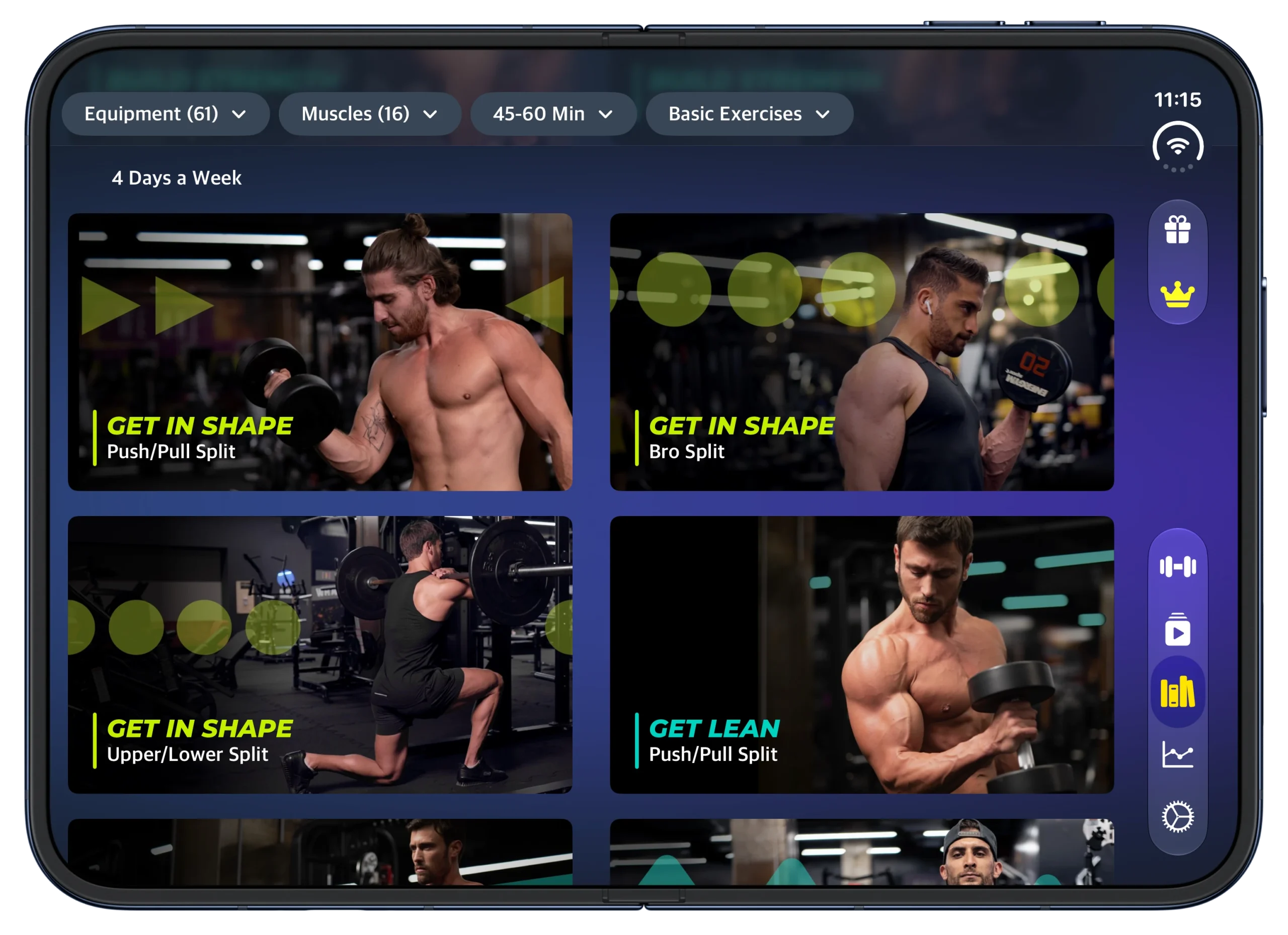
Full-Screen Plan Library
Browse programs on the full open display, with more plans in view and less scrolling. Filter by equipment, muscle group and session length to narrow it down. Found the one? Edit days, swap exercises and adjust sets with plenty of room to work.
04 Video guides
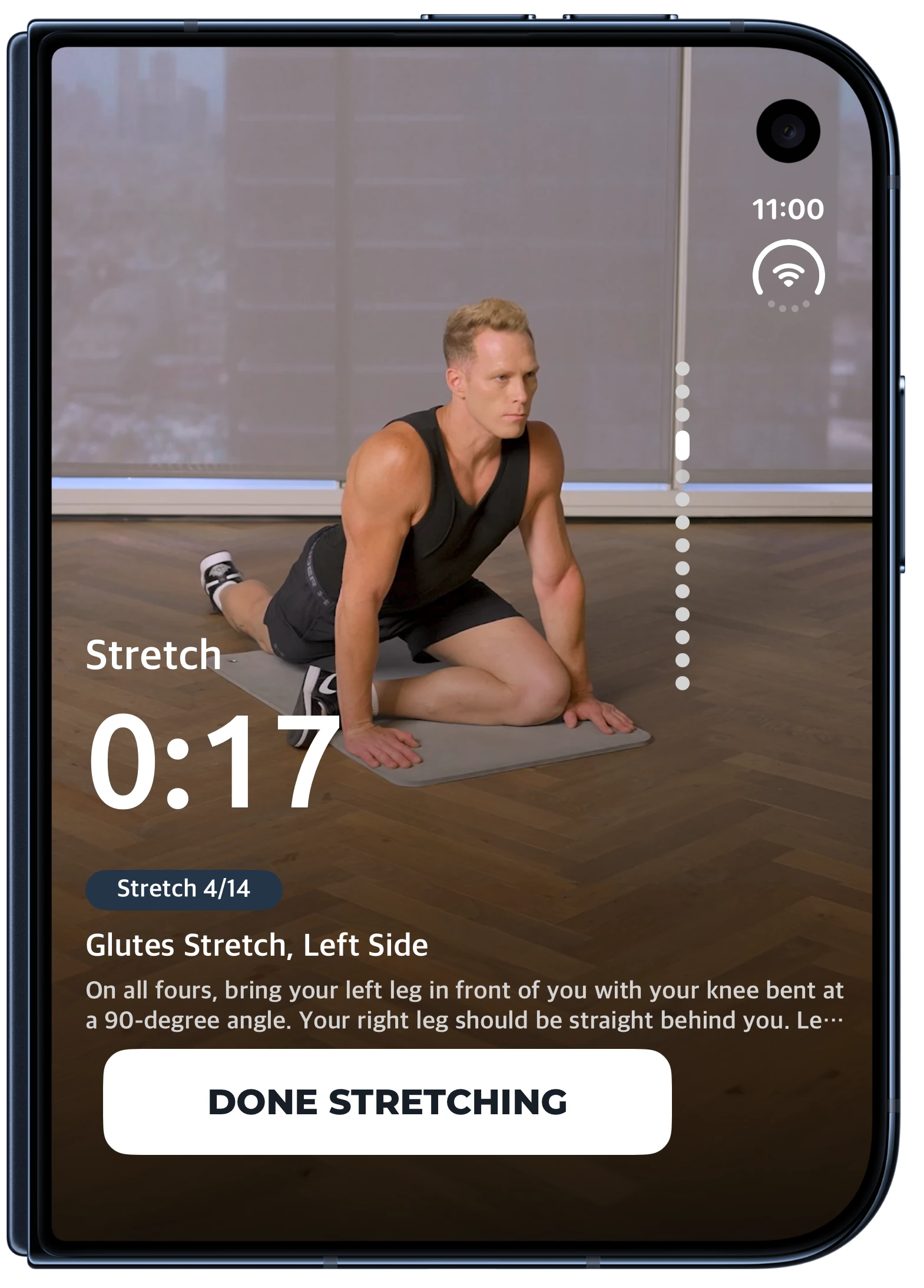
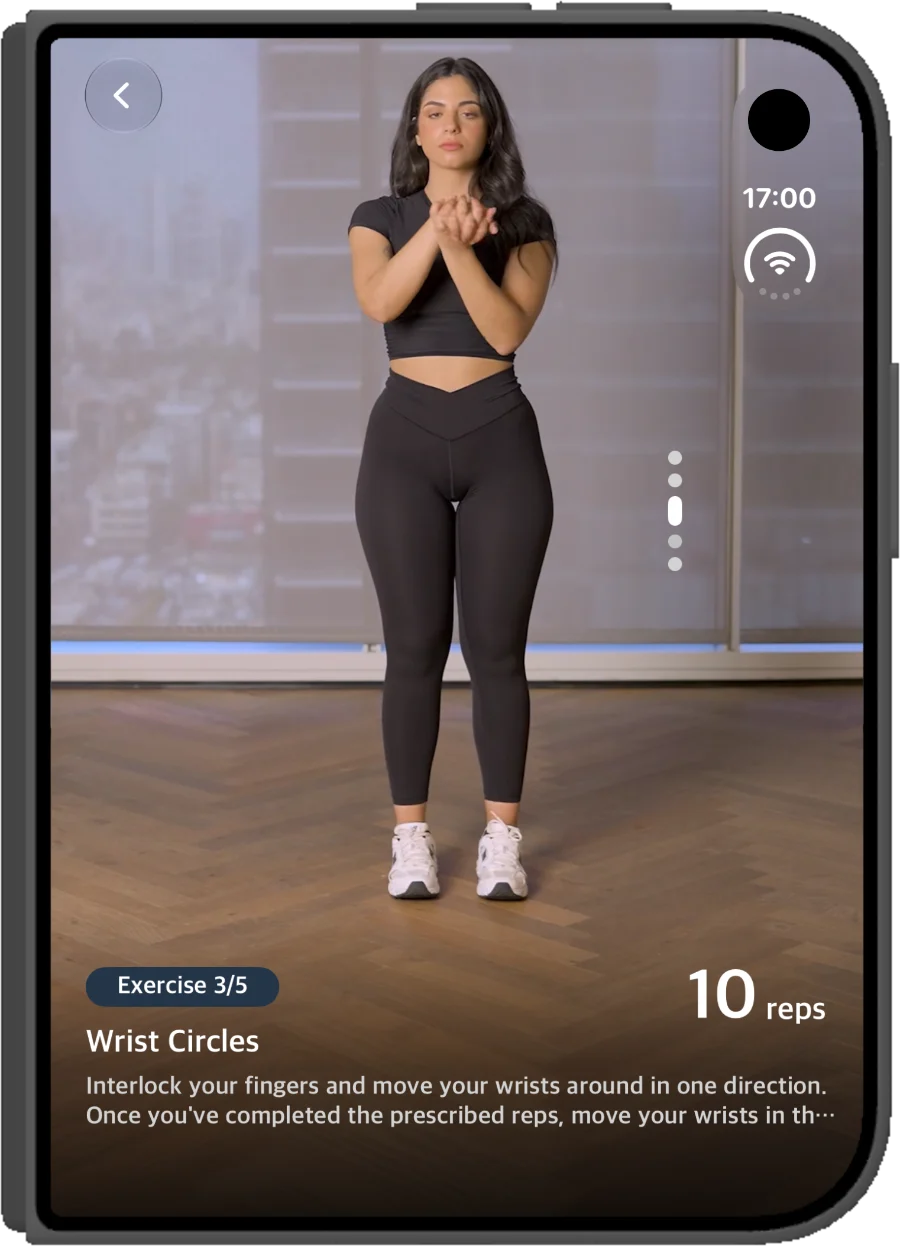
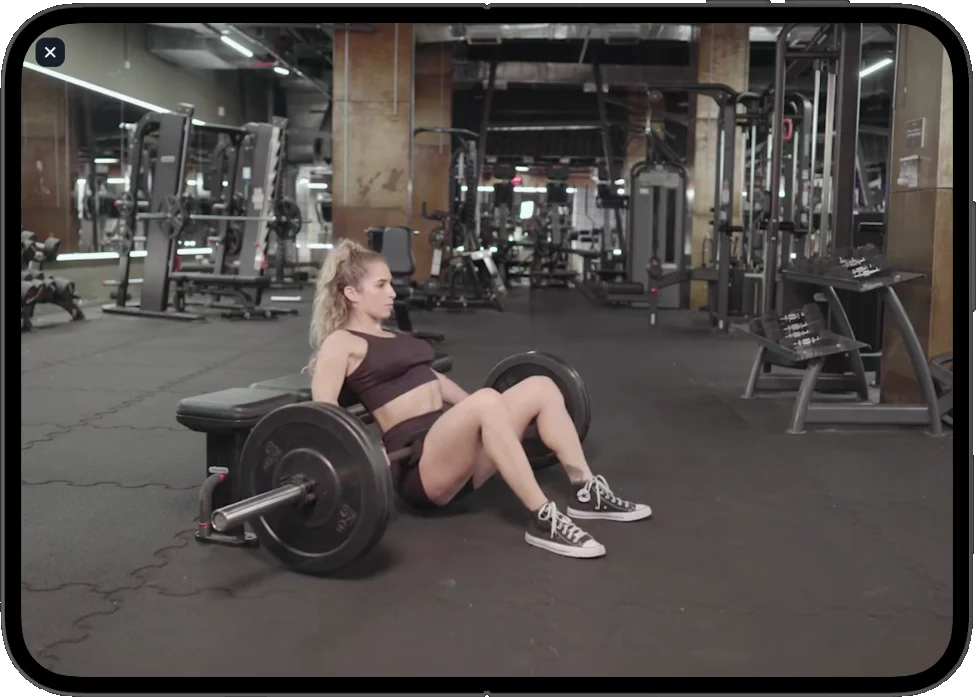
Video Guides You Can Actually See
Exercise and stretch guides play on the open display, big enough to follow from a step away. Check your form while you set up, and keep your timer and next exercise in view as you go.

FAQ
Do I need a different app for iPhone Duo?
No. It’s the same Gymverse app. Update to the latest version and the iPhone Duo layouts appear automatically.
Does it cost extra?
No. iPhone Duo support is included with Gymverse.
Will my plans and progress carry over?
Yes. Sign in with the same account and your plans, history and PRs are all there.
What if I don’t have iPhone Duo?
Gymverse works on every supported iPhone. The layouts on this page are for iPhone Duo’s open and closed displays.
Does Gym Sign work on other iPhones?
Gym Sign uses iPhone Duo’s outer display in standing mode, so it’s available on iPhone Duo only.
Gymverse on iPhone Duo
Screens simulated. Apple, the Apple logo, iPhone and App Store are trademarks of Apple Inc., registered in the U.S. and other countries. App Store is a service mark of Apple Inc. Gymverse is independent and is not affiliated with, endorsed by, or sponsored by Apple Inc.